Back Pain at Work: Ergonomic Tips for a Pain-Free Office
If you spend most of your day sitting at a desk, you already know that nagging ache that creeps into your lower back by mid-afternoon. Back pain at work is one of the most common complaints we hear at Arsenault Family Chiropractic Center, and it affects people across every profession — from office workers and remote employees to teachers and administrators. The good news is that a lot of work-related back pain is preventable with the right knowledge and a few simple changes to your daily setup and habits. This article is here to help you understand why your workstation might be hurting you, and what you can do about it starting today.
What is work-related back pain? Work-related back pain refers to discomfort, stiffness, or pain in the back — particularly the lower back — that is caused or worsened by occupational activities, most often prolonged sitting, poor posture, or a poorly designed workstation. It can range from mild, occasional soreness to chronic, daily pain that interferes with focus and quality of life.
- Why Sitting All Day Hurts Your Back
- Common Causes of Office Back Pain
- How to Set Up an Ergonomic Workstation
- How Chiropractic Care Fits Into the Picture
- Practical Tips to Reduce Back Pain at Work
- When to See a Chiropractor
- Ergonomic Mistakes vs. Corrections
- Myths vs. Facts About Office Back Pain
- Final Thoughts
- Frequently Asked Questions
- TL;DR Summary
Why Sitting All Day Hurts Your Back
Most people assume that sitting is a "rest" position, but from a spinal health standpoint, that's simply not true. Prolonged sitting places significant compressive load on the lumbar spine — the lower portion of your back — and shortens the hip flexor muscles at the front of your hips. Over time, these changes can pull the pelvis out of its natural alignment and create an imbalance that the muscles of your lower back have to constantly compensate for.
When you're focused on a screen, it's also very easy to let your posture slip. The head drifts forward, the shoulders round, and the natural curve of the lower back flattens. This forward-head posture adds considerable mechanical stress to the cervical and thoracic spine as well. In fact, for every inch the head moves forward from its neutral position, the effective weight on the neck increases dramatically. That tension travels down into the upper back and eventually contributes to lower back discomfort, too.
Here in North Hampton, NH, we see this pattern constantly. Whether patients are working from a home office or a corporate setting, the pattern of pain is often remarkably similar — because the root cause is the same. The body was not designed to stay still for hours at a time, and the spine especially thrives with variety, movement, and proper support.
Common Causes of Office Back Pain
Understanding what's driving your back pain is the first step toward fixing it. There are several common culprits that Dr. Mark Arsenault frequently identifies when evaluating patients who work desk jobs.
Poor chair support. Many office chairs do not provide adequate lumbar support. When the natural inward curve of the low back — called the lumbar lordosis — is not supported, the spine slumps into a "C" shape. This puts sustained pressure on the spinal discs and surrounding soft tissue.
Monitor height and distance. If your screen is too low or too far away, you'll find yourself leaning forward or craning your neck downward for hours at a time. This is one of the most overlooked contributors to upper and lower back tension.
Keyboard and mouse positioning. When your keyboard is too far from your body or your mouse requires you to reach outward, your shoulder blades pull forward and your upper traps tighten. That chain of tension can reach all the way down into the mid- and lower back.
No movement breaks. Even a perfectly set-up ergonomic workstation cannot compensate for staying completely still for four or five hours. The body needs movement to pump fluid through spinal discs and keep muscles from seizing up. Lack of micro-breaks is one of the most common — and most correctable — problems we see.
Stress and muscle guarding. Psychological stress causes the muscles of the back and neck to tighten involuntarily. When work is stressful, many people hold tension physically without realizing it, which compounds any existing structural issues.
How to Set Up an Ergonomic Workstation
Ergonomics is the science of designing a workspace to fit the worker — rather than forcing the worker to adapt to the workspace. A well-designed ergonomic setup can dramatically reduce the physical strain your body experiences throughout the workday. Here's what a proper setup looks like from the ground up.
Chair height and position. Your feet should rest flat on the floor (or on a footrest), and your knees should be at roughly a 90-degree angle. Your thighs should be parallel to the floor. The lumbar support of your chair should gently support the inward curve of your lower back — not push it out of its natural position.
Monitor placement. Your screen should be at arm's length away, and the top of the monitor should be at or just slightly below eye level. This keeps your head in a neutral position and prevents that forward-head drift we discussed earlier. If you use a laptop, consider a separate monitor or a laptop stand paired with an external keyboard.
Keyboard and mouse. Your elbows should be at about 90 degrees, with your wrists in a neutral, straight position — not bent up or down. Your keyboard and mouse should be on the same surface and close enough that you don't have to reach for them.
Desk height. If possible, your desk should allow your forearms to rest at elbow height. Many people benefit from an adjustable-height desk, which also gives you the option to stand for portions of the day. Standing desks aren't a cure-all, but alternating between sitting and standing can meaningfully reduce spinal load over the course of a workday.
Phone and accessories. If you take a lot of phone calls, avoid cradling the phone between your ear and shoulder. Use a headset or speakerphone instead. That repetitive lateral neck bend is a surprisingly common cause of neck and upper back pain among office workers.
How Chiropractic Care Fits Into the Picture
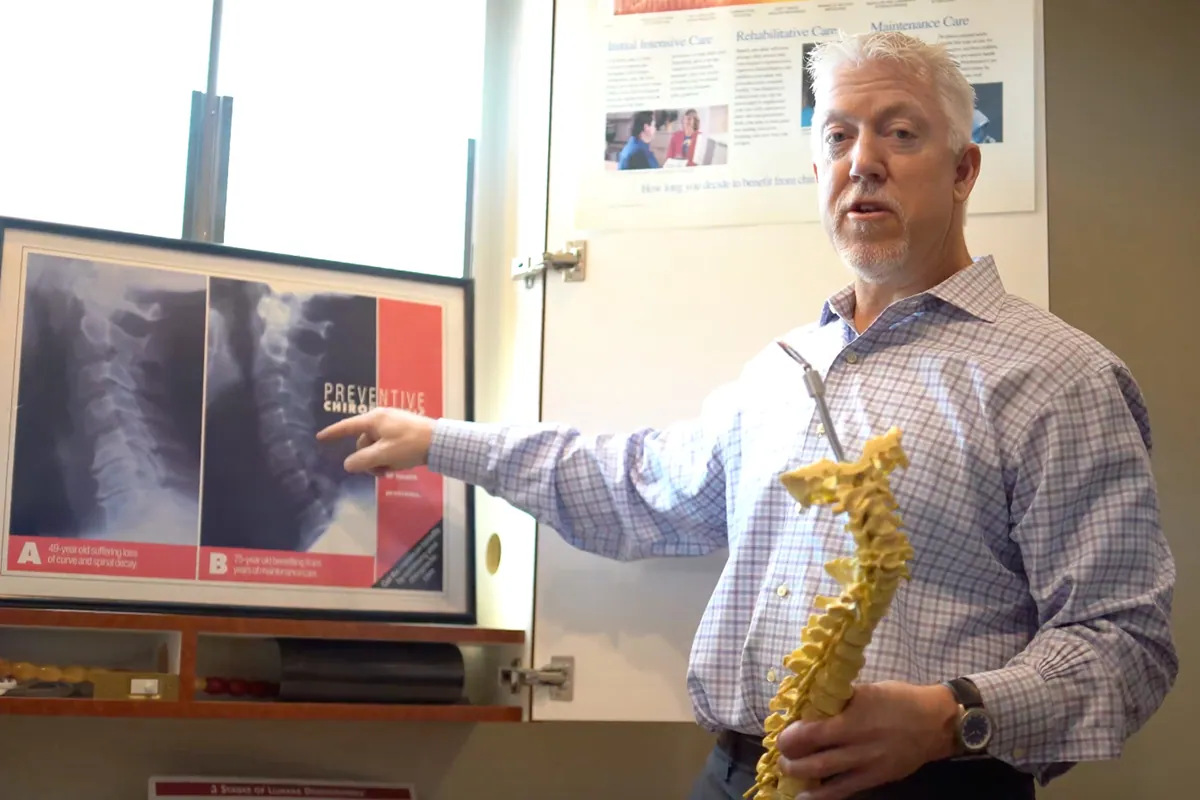
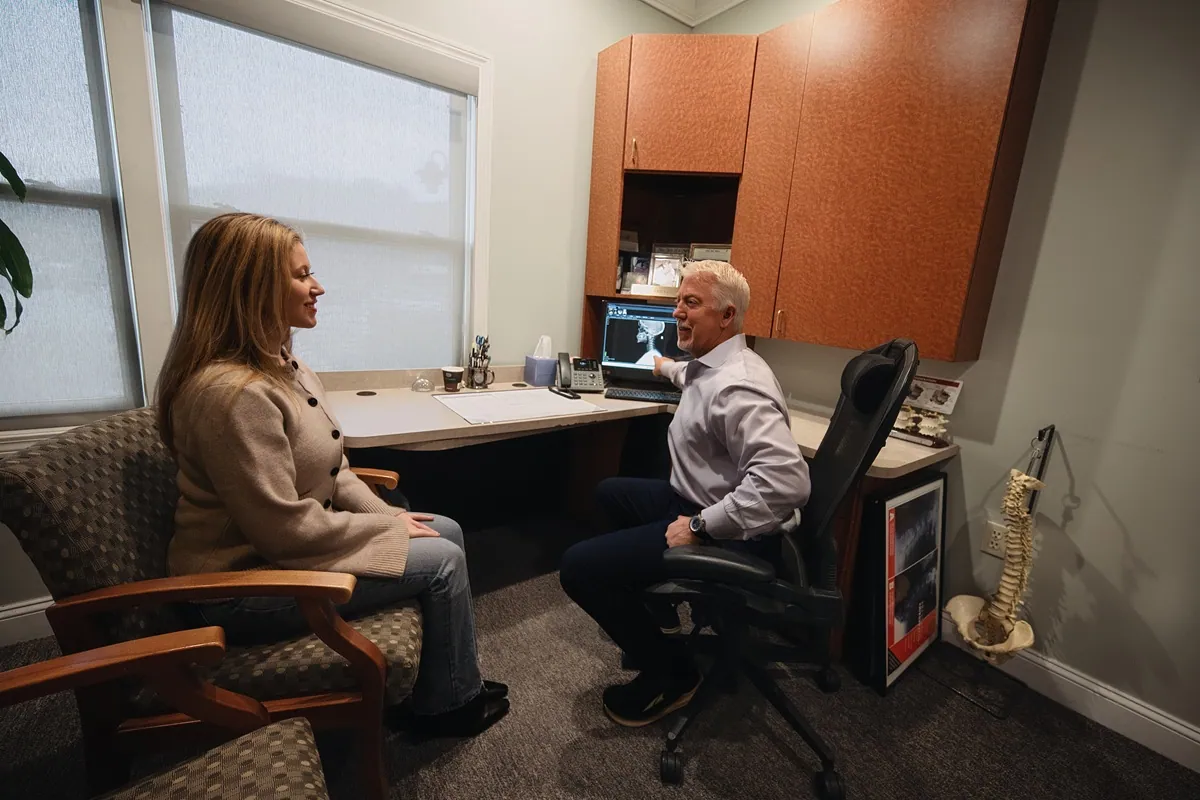
Once the muscles and joints of the spine have been stressed for a period of time, the body often develops compensatory movement patterns that can persist even after you fix your workstation. This is where chiropractic care becomes genuinely valuable. At Arsenault Family Chiropractic Center in North Hampton, NH, Dr. Mark Arsenault evaluates not just where you hurt, but how your entire spine is moving and functioning — because pain in one area often originates from imbalances somewhere else.
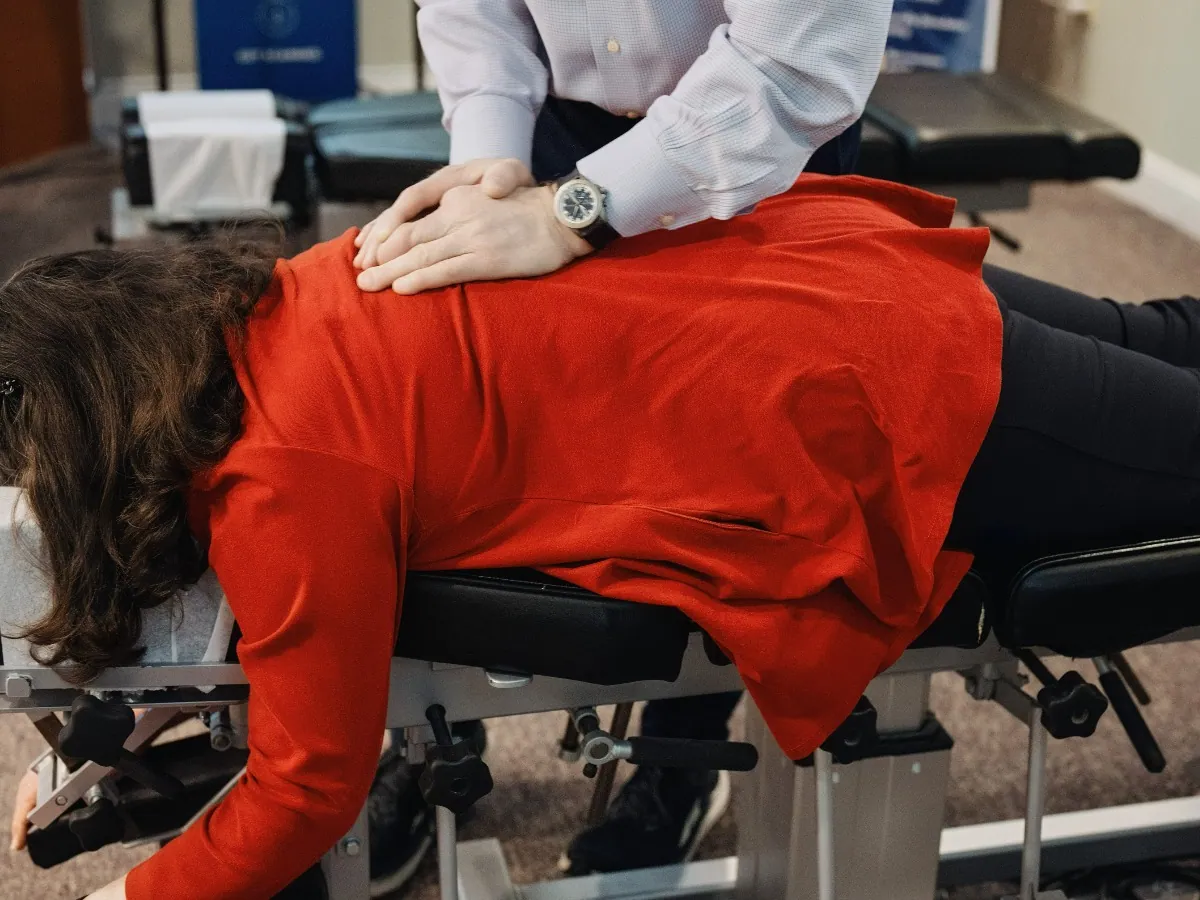
Chiropractic adjustments are gentle, targeted movements applied to specific spinal joints to restore proper mobility and alignment. When spinal joints become restricted or move improperly, the surrounding muscles tighten to compensate, creating that familiar cycle of stiffness and pain that many office workers know too well. By restoring normal joint movement, adjustments can help break that cycle.
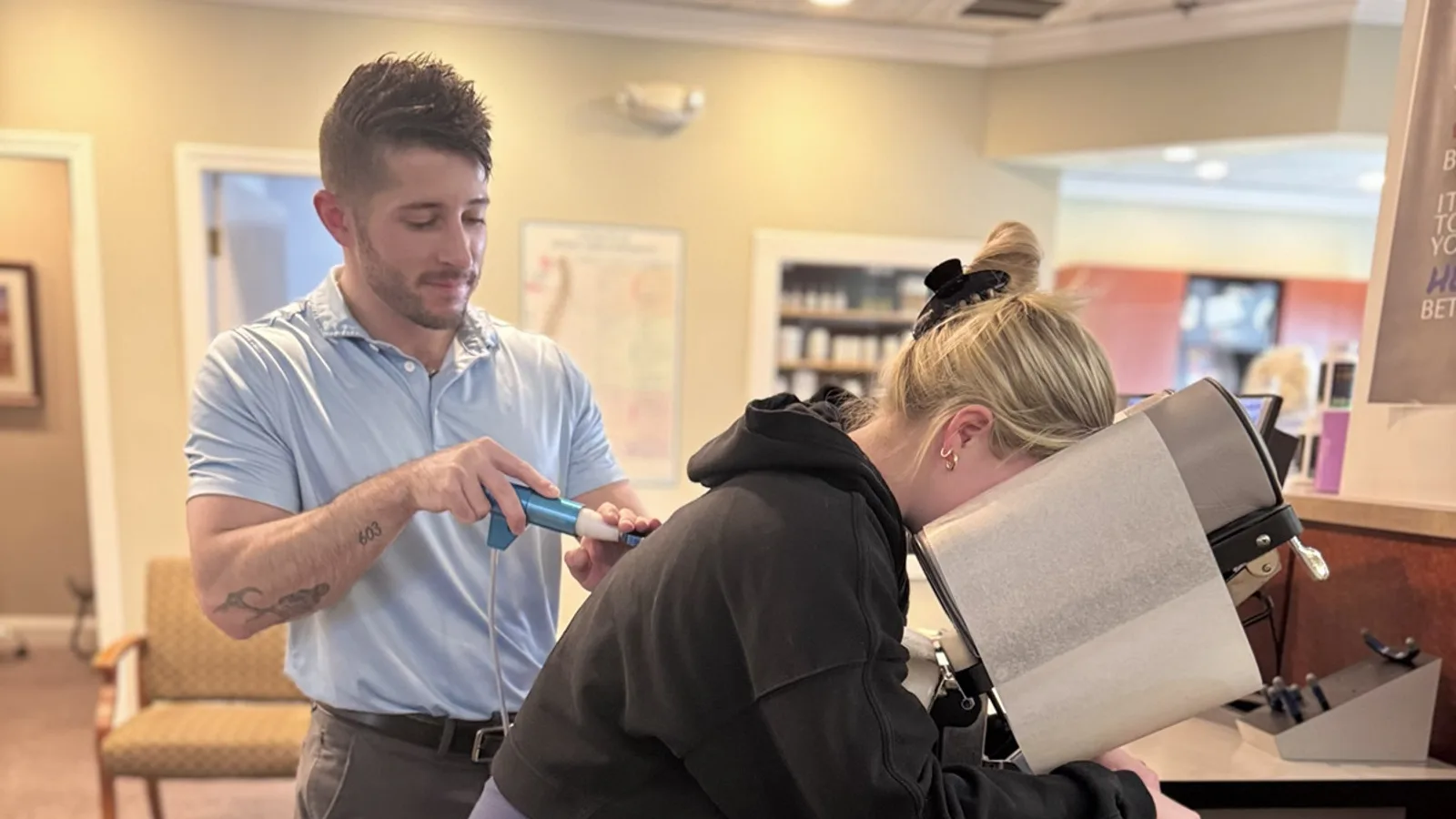
In addition to spinal adjustments, Dr. Mark Arsenault may incorporate soft tissue work, postural retraining, and personalized exercise guidance depending on each patient's individual presentation. Chiropractic care is non-invasive, drug-free, and designed to support the body's natural ability to heal and function well. Research from organizations like the American College of Physicians suggests that spinal manipulation — a core component of chiropractic care — is among the recommended first-line, non-pharmacological approaches for managing acute and chronic low back pain.
Chiropractic care isn't just for when you're in significant pain, either. Many patients in the North Hampton area use regular chiropractic visits as a proactive wellness strategy, keeping their spine mobile and their posture on track so that back pain at work never has the chance to become a serious problem.
Practical Tips to Reduce Back Pain at Work
Beyond your workstation setup, there are daily habits that can make a meaningful difference in how your back feels. These are the same recommendations Dr. Mark Arsenault shares with patients at Arsenault Family Chiropractic Center.
Move every 30 to 45 minutes. You don't need a long break — even standing up, walking to the kitchen, or doing a few gentle movements is enough to reset the spine. Set a timer if you tend to lose track of time when you're deep in work.
Strengthen your core. The muscles of the core — which include not just the abs but also the deep stabilizing muscles around the spine — act as a natural brace for your back. A chiropractor can guide you toward exercises that are safe and appropriate for your specific situation.
Stretch your hip flexors. After long hours of sitting, the hip flexors become tight and pull the pelvis forward, increasing strain on the lumbar spine. A simple standing hip flexor stretch held for 20 to 30 seconds can provide real relief.
Stay hydrated. Intervertebral discs — the cushions between your spinal vertebrae — are largely composed of water. Staying well-hydrated supports the health and resilience of these discs throughout the day.
Watch your sleeping position. Your spine doesn't rest when you're at the office, but it does need quality rest at night. Sleeping on your side with a pillow between your knees, or on your back with a pillow under your knees, can help maintain spinal alignment while you sleep.
When to See a Chiropractor
Many people tolerate back pain for far longer than they should before seeking care. The truth is, the sooner a spinal problem is addressed, the more straightforward it tends to be to resolve. You should consider scheduling an evaluation with Dr. Mark Arsenault at Arsenault Family Chiropractic Center if your back pain has lasted more than a few days without improvement, if it is interfering with your ability to work or focus, or if it is beginning to affect your sleep or daily activities.
You should also pay attention to pain that radiates down one or both legs, numbness or tingling in the legs or feet, or significant morning stiffness that takes a long time to ease. These symptoms can suggest nerve involvement or other structural issues that benefit from professional evaluation.
Certain symptoms do require immediate medical attention rather than chiropractic care. These include loss of bladder or bowel control, severe pain following a traumatic injury, unexplained weight loss alongside back pain, or fever accompanying back pain. These are red flags that warrant an urgent visit to a medical doctor or emergency provider. Dr. Mark Arsenault and the team at Arsenault Family Chiropractic Center take a thorough approach to patient evaluation and will always refer out when a situation calls for medical co-management.
Ergonomic Mistakes vs. Corrections
| Common Mistake | What It Causes | Correction |
|---|---|---|
| Monitor too low | Forward head posture, neck and upper back strain | Raise monitor so the top edge is at or slightly below eye level |
| Chair lacks lumbar support | Loss of lumbar curve, disc compression | Use a chair with adjustable lumbar support or add a lumbar roll |
| Keyboard/mouse too far away | Shoulder blade protraction, upper back tension | Position both close to the body with elbows at 90 degrees |
| Feet dangling or crossed | Pelvic imbalance, lower back discomfort | Feet flat on the floor; use a footrest if needed |
| Sitting for hours without breaks | Hip flexor tightening, spinal stiffness, disc loading | Stand or move briefly every 30–45 minutes |
| Cradling phone between ear and shoulder | Lateral neck strain, upper trap tightness | Use a headset or speakerphone for calls |
Myths vs. Facts About Office Back Pain
Myth: If the pain isn't severe, it's fine to ignore it.
Fact: Mild, recurring back pain is often a signal that something in your posture, movement habits, or spinal mechanics is off. Catching and correcting these issues early is almost always easier than addressing the same problem after months or years of cumulative strain. Consistent low-level pain deserves professional attention.
Myth: A standing desk will fix your back pain.
Fact: Standing desks can be a helpful tool for reducing prolonged sitting, but standing all day creates its own set of problems — including leg fatigue, foot pain, and lumbar compression. The key is alternating between sitting and standing, not simply replacing one static position with another.
Myth: Back pain at work is just part of getting older.
Fact: While age-related changes to the spine are real, back pain is not an inevitable or unavoidable consequence of aging or desk work. Many people work comfortably into their 60s and beyond by maintaining good posture, staying active, and seeking appropriate care when problems arise.
Myth: You should rest completely when your back hurts.
Fact: Extended bed rest is no longer recommended for most types of back pain. Evidence consistently supports staying gently active, as movement helps maintain disc nutrition, reduces stiffness, and supports recovery. Your chiropractor can guide you on what kind of movement is appropriate during a pain flare-up.
Myth: Chiropractic care is only for severe back problems.
Fact: Chiropractic care is effective for a wide spectrum of back pain — from mild postural soreness to more significant spinal dysfunction. Many patients at Arsenault Family Chiropractic Center come in for routine wellness care to keep their spine healthy and their posture on track, well before pain becomes a problem.
Final Thoughts
Back pain at work is genuinely common, but it doesn't have to be your normal. With thoughtful adjustments to your workstation, smarter movement habits throughout the day, and professional spinal care when you need it, most people can dramatically reduce or even eliminate the back pain that has come to feel routine.
At Arsenault Family Chiropractic Center in North Hampton, NH, Dr. Mark Arsenault and the care team are passionate about helping members of our community feel their best — not just when pain flares up, but as part of an ongoing commitment to spinal health and wellness. Whether you're dealing with a fresh onset of desk-related soreness or a longer-standing pattern of back discomfort, you deserve care that gets to the root of what's going on and helps you move forward with confidence.
If you're in the North Hampton area and have been putting off addressing your back pain, there's no better time than now. Your spine supports everything you do — give it the attention it deserves.
Frequently Asked Questions
How long does it take for ergonomic changes to reduce back pain?
Many people notice some improvement within a few days to a couple of weeks after making ergonomic corrections. However, if underlying spinal joint issues or muscle imbalances have developed over time, ergonomic changes alone may not fully resolve the problem. Combining workstation improvements with chiropractic care often produces faster and more lasting results.
Can chiropractic care help with back pain caused by desk work?
Yes, chiropractic care is widely used to address the spinal joint restrictions, muscle tension, and postural imbalances that commonly result from prolonged sitting and poor workstation setup. Dr. Mark Arsenault evaluates each patient's specific situation and tailors care accordingly. It is considered a safe, non-invasive, first-line approach for most types of work-related back pain.
How often should I get up from my desk to protect my back?
Most conservative care guidelines suggest moving briefly every 30 to 45 minutes. This doesn't need to be a long break — a minute or two of standing, walking, or light movement is enough to relieve spinal pressure and improve circulation. Setting a recurring reminder on your phone or computer can be a simple and effective strategy.
Is lower back pain at work always caused by my chair or desk?
Not always. While workstation setup is a common contributor, work-related back pain can also stem from stress, deconditioning, underlying spinal conditions, or sleep habits. A comprehensive chiropractic evaluation can help identify all of the contributing factors, not just the most obvious ones.
Are there exercises I can do at my desk to prevent back pain?
Yes, several gentle exercises and stretches can be performed at or near your desk — including chin tucks, seated thoracic extensions, hip flexor stretches, and shoulder blade squeezes. Dr. Mark Arsenault can recommend specific exercises based on your individual posture and spinal health needs during a chiropractic evaluation.
When is back pain at work serious enough to need medical attention?
Most work-related back pain is musculoskeletal and responds well to conservative care. However, pain accompanied by loss of bladder or bowel control, severe trauma, unexplained weight loss, fever, or significant neurological changes such as sudden leg weakness should be evaluated by a medical doctor promptly. Your chiropractor will always refer you appropriately if such symptoms are present.
TL;DR Summary
- Prolonged sitting and poor workstation setup are among the leading causes of back pain at work, and most cases are preventable with the right ergonomic adjustments and movement habits.
- Key ergonomic fixes include setting your monitor at eye level, supporting your lumbar curve, keeping your keyboard and mouse close, and alternating between sitting and standing throughout the day.
- Moving briefly every 30 to 45 minutes, stretching your hip flexors, strengthening your core, and staying hydrated all support spinal health during the workday.
- Chiropractic care — like the care provided by Dr. Mark Arsenault at Arsenault Family Chiropractic Center in North Hampton, NH — addresses the underlying spinal joint restrictions and postural imbalances that ergonomic changes alone may not fully correct.
- Seek professional evaluation if back pain persists beyond a few days, interferes with daily function, or is accompanied by neurological symptoms such as leg pain, numbness, or tingling.

Mark Arsenault
Dr. Arsenault is a 1994 graduate of Palmer College of Chiropractic in Iowa, founded by the father of chiropractic himself, D.D. Palmer. Still amazed at how the body works as a whole, Dr. Arsenault focuses on treating your whole body so it can heal and function as it should.